UniFi Access Kiosk Mode: Industrial Visitor Security & Lobby Automation for Manufacturing
Key Takeaways (Infrastructure Summary)
This technical case study demonstrates how to modernize physical security by replacing a legacy paper visitor log with an automated, self-service kiosk using the UniFi Access platform. We break down the deployment of an iPad running in Kiosk Mode, the integration of a Brother network printer for instant QR badge generation, and a critical networking workaround using a PoE to USB-C adapter to bridge isolated subnets. The result is a license-free, fully localized visitor management system tailored for an active manufacturing facility.
Project Blueprint & Hardware Matrix
- Facility Profile
- Location: Manufacturing Facility
- Objective: Automate lobby check-ins, eliminate paper logs, and secure visitor data on a local database.
- Kiosk & Software Infrastructure
- Access Control Software:
UniFi Accessoperating in Kiosk Mode - Kiosk Terminal: Apple
iPadfunctioning as the central registration interface - Badge Generation:
Brother QL-820NWBnetwork thermal printer
- Access Control Software:
- Perimeter Security Hardware
- Main Entrance Hardware:
G3 Reader Profor indoor access verification - Exterior Perimeter Hardware:
G3 Intercomfor vehicle gate access
- Main Entrance Hardware:
- Network Integration
- Bridging Solution:
PoE to USB-C adapterfor simultaneous power and hardwired data
- Bridging Solution:

Project Scope: Automating Visitor Check-Ins
Physical security modernization requires eliminating manual bottlenecks. One of our clients approached us with a specific request to design an automated check-in kiosk for the lobby of their manufacturing facility. The primary goal was to replace an inefficient paper journal with a digital system, paired with a convenient management dashboard that stores all visitor records on a secure, offline local database.

Rather than relying on subscription-heavy third-party software, our engineering team looked at the UniFi platform. Having evaluated the hardware during the UniFi conference in Miami, we knew the ecosystem's license-free model and highly flexible self-service Kiosk Mode would allow us to build a custom, secure local database while natively interacting with the building's existing doors and gates. Architecting scalable, offline databases for industrial clients mirrors the strict data compliance standards we apply during Ubiquiti enterprise deployments, where system isolation and security are paramount.
The Networking Challenge: Bridging Wi-Fi & Access Control Subnets
A core technical hurdle in this deployment was network isolation. The facility's existing Wi-Fi network operates on a separate subnet managed by a Cloud Key, while the physical security hardware runs directly on the local NVR.
For the Ubiquiti self-service kiosk to function correctly, the iPad and the network printer must reside on the exact same VLAN as the NVR access control application. Bridging Wi-Fi and Access Control subnets for the iPad over a wireless connection introduces latency risks and potential communication drops between the management software and the access nodes.

Hardware Solution: Delivering Data & Power via PoE to USB-C
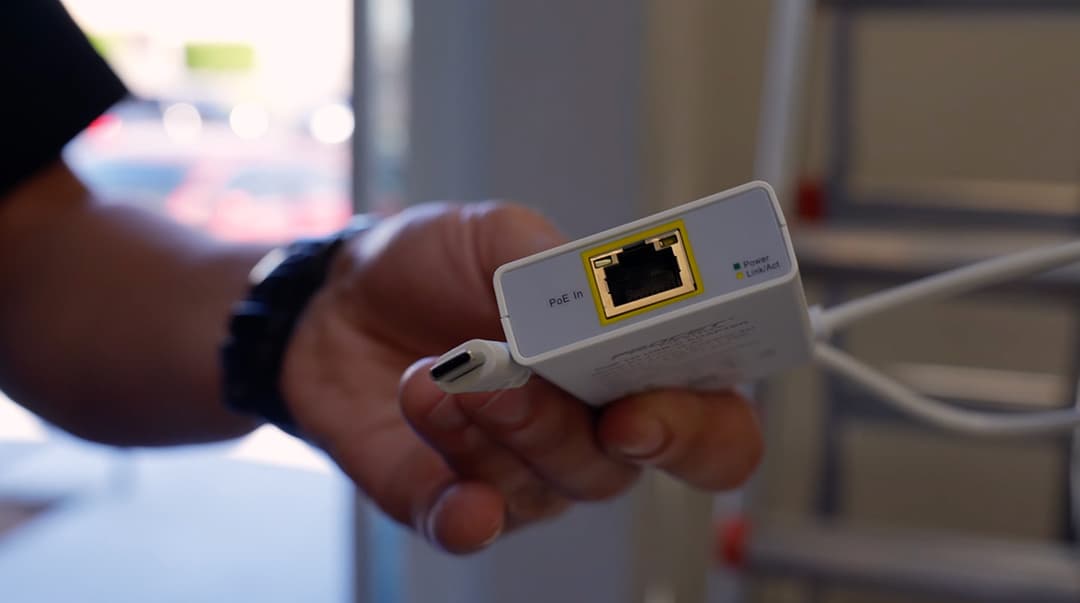
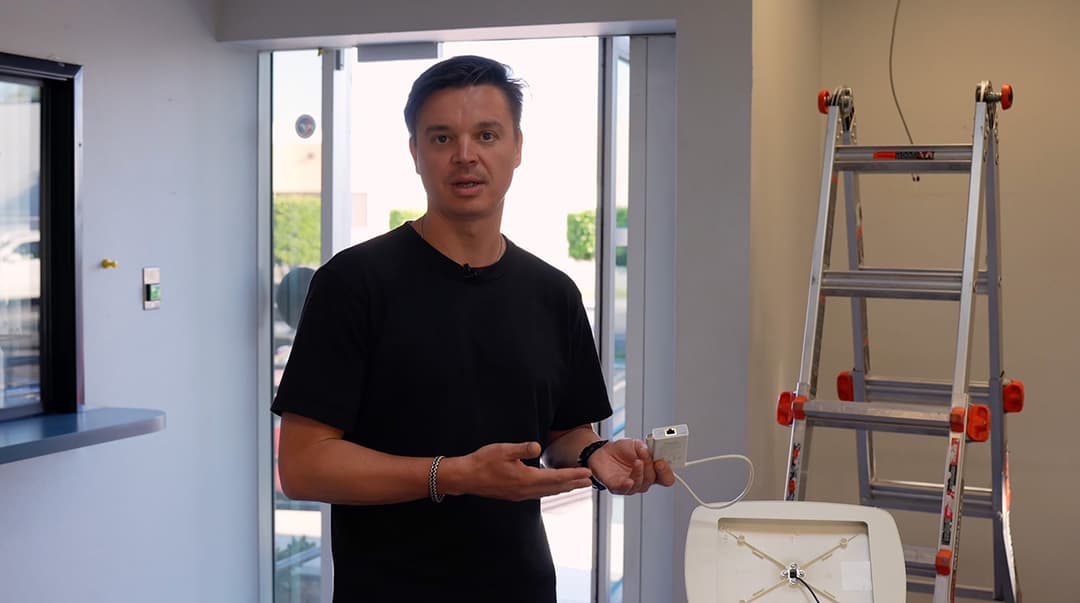
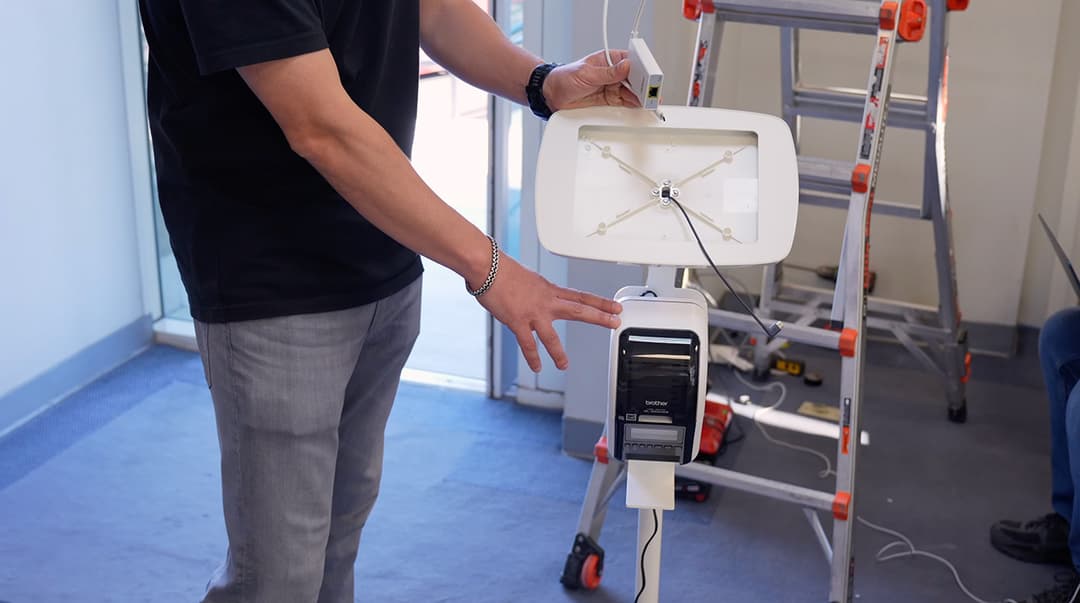
To bridge the VLANs and permanently bypass wireless latency, we eliminated the Wi-Fi requirement entirely. Our technicians utilized a dedicated PoE to USB-C adapter. This specific hardware takes a standard Ethernet cable routed from a PoE switch and converts it, delivering both a hardwired network connection and continuous power directly into the tablet. This creates a stable UniFi Access iPad setup, ensuring the kiosk terminal never loses communication with the core network or the local database.
Replacing Paper Logs with iPad & Brother Network Printer
Replacing paper logs with an automated UniFi visitor system optimizes lobby throughput and eliminates manual data entry. Before this modernization, the client's building was already equipped with a UniFi access control system managing both internal and external doors, as well as the perimeter vehicle gates. However, they still relied on a legacy paper journal to manually log every guest.
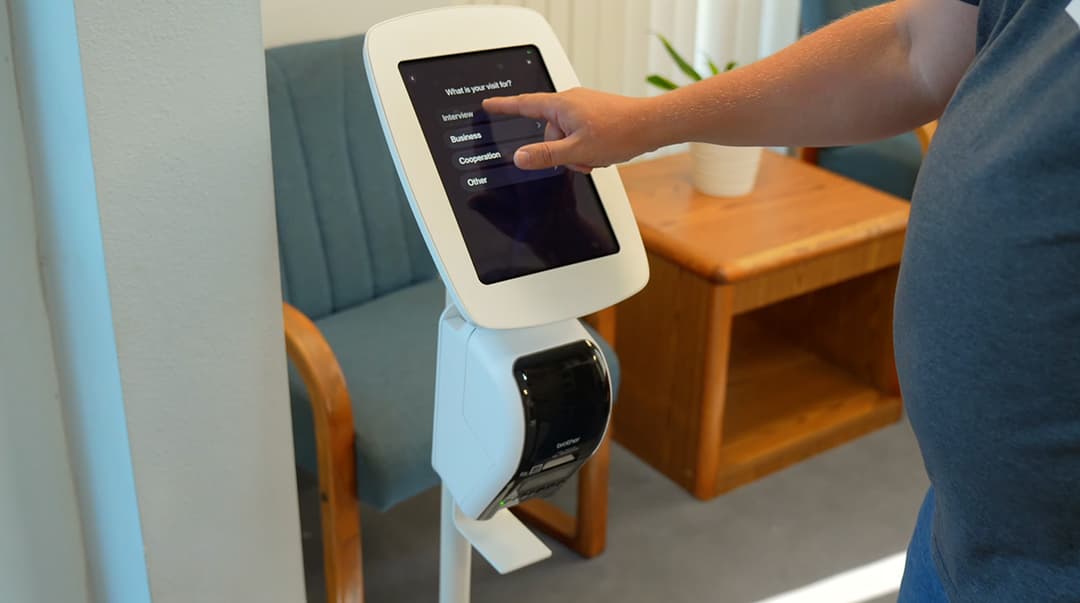
It is important to note that Ubiquiti does not manufacture a standalone physical kiosk device or a proprietary printer. The "kiosk" in this setup is an Apple tablet running the UniFi Access application in Kiosk Mode. To handle physical credentials, our engineers executed a seamless Brother QL-820NWB UniFi integration.
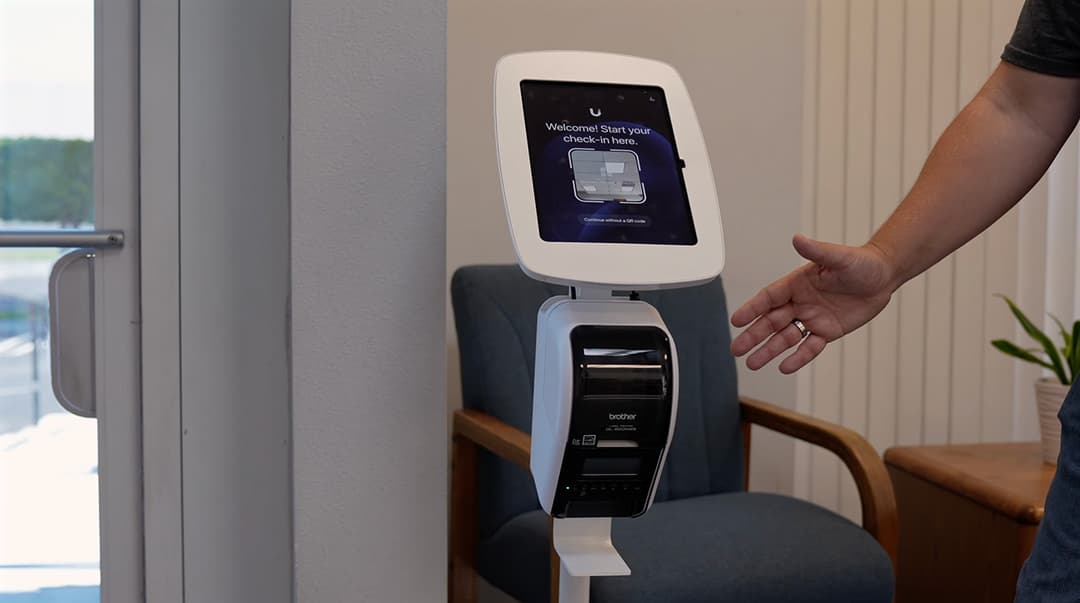
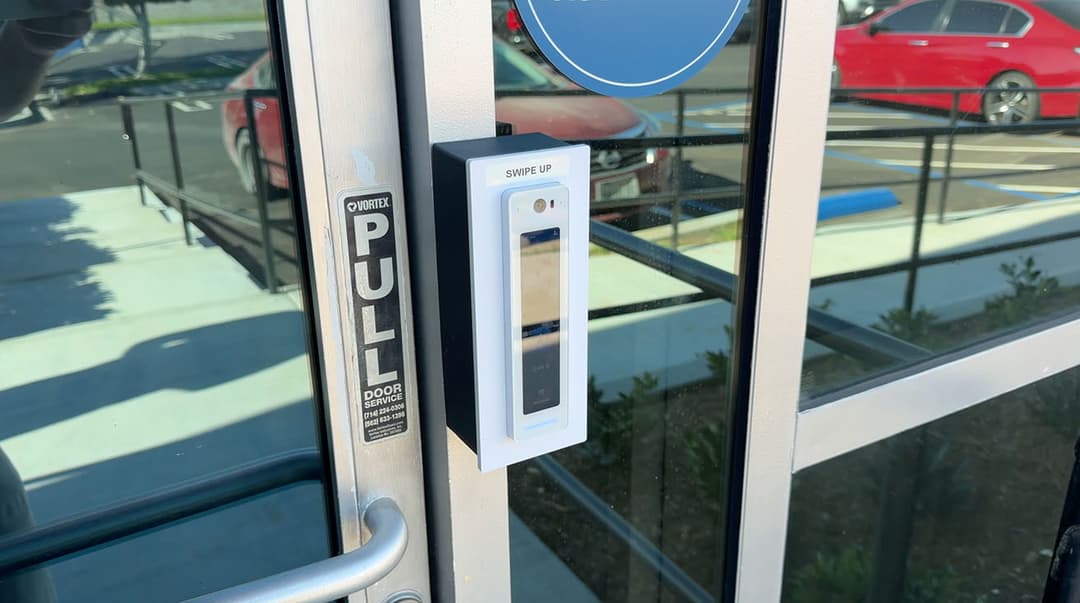
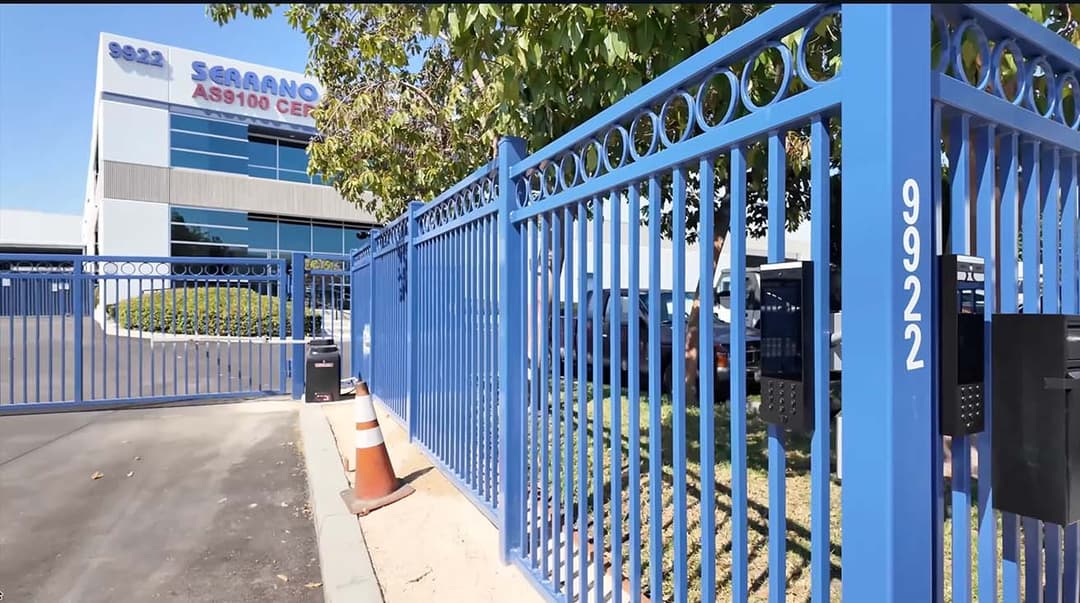
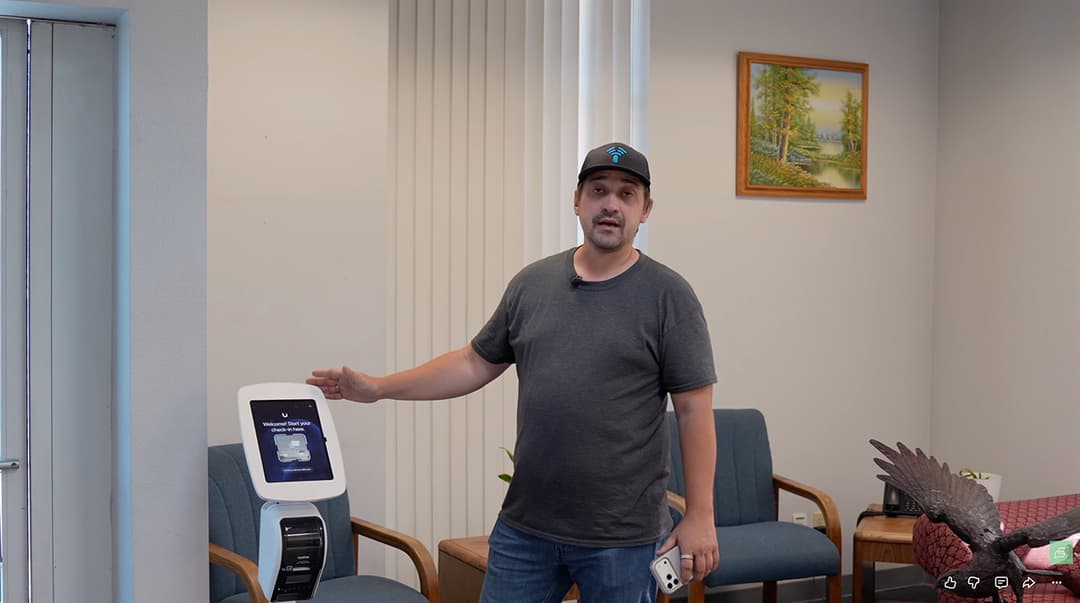
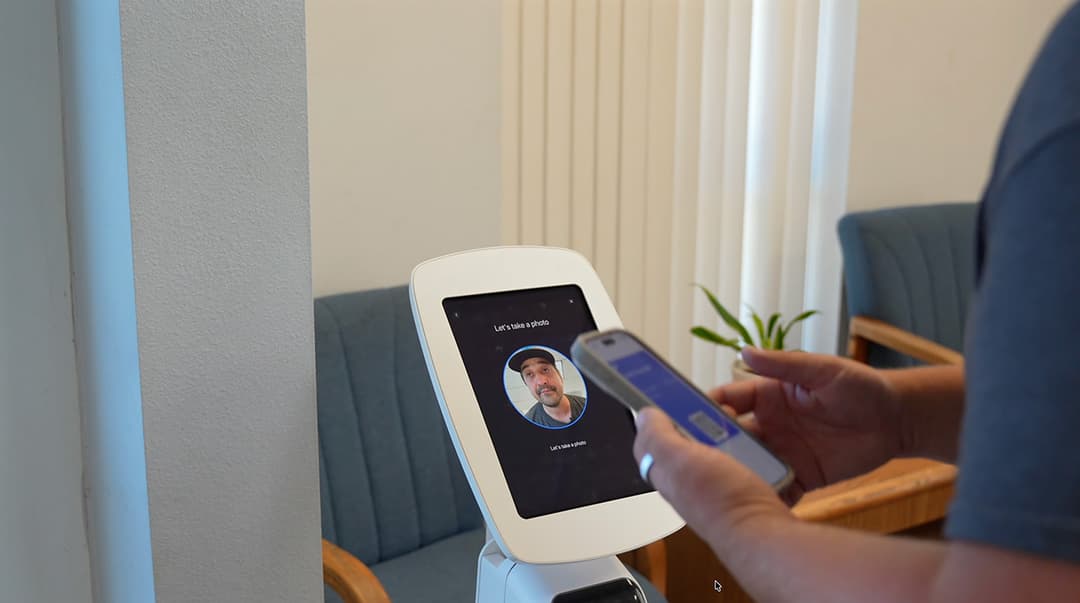
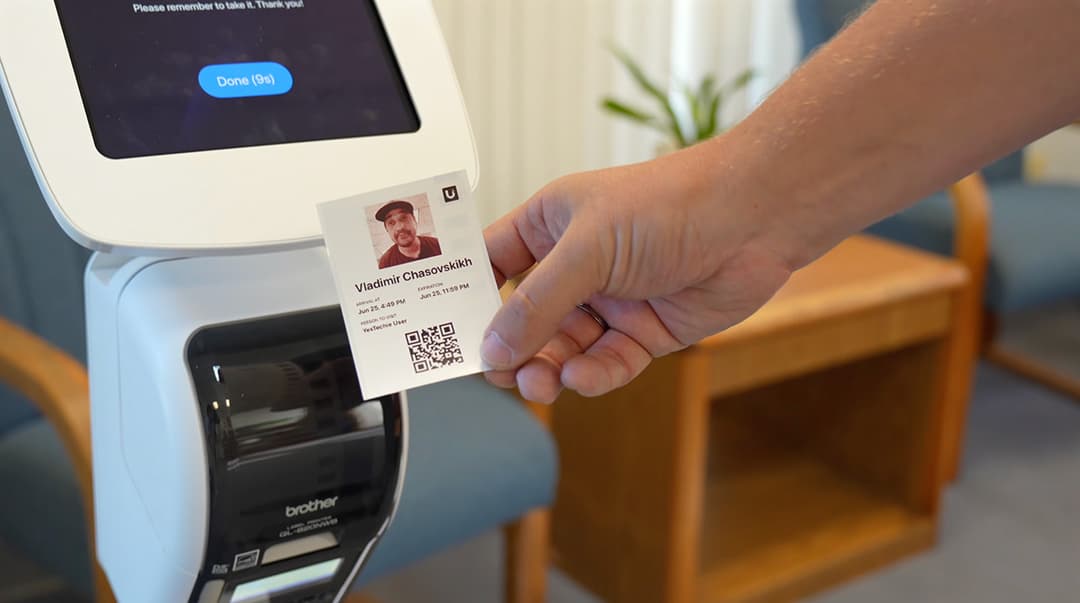
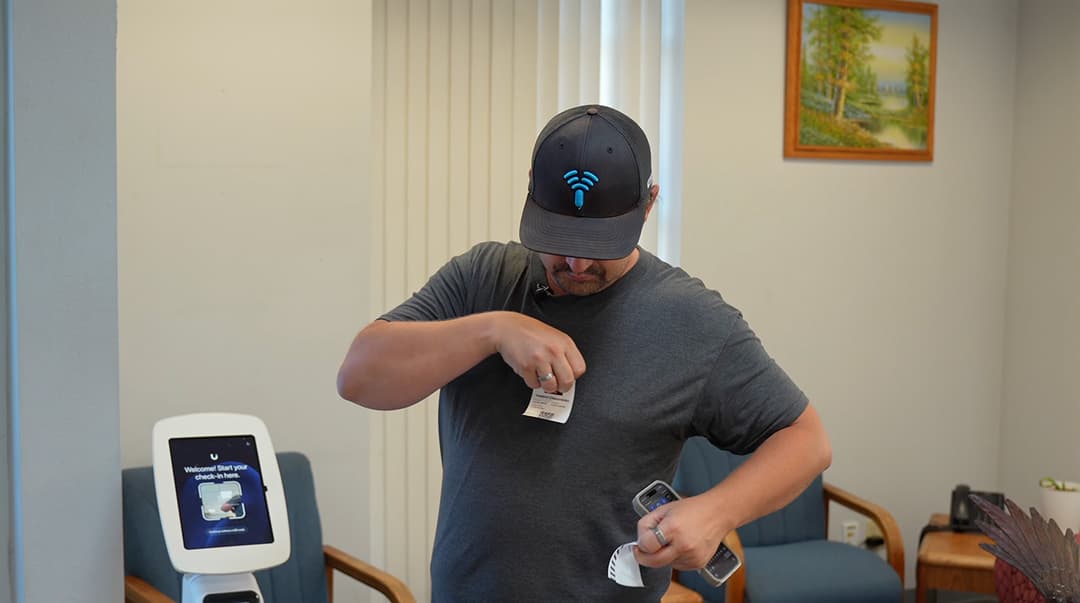
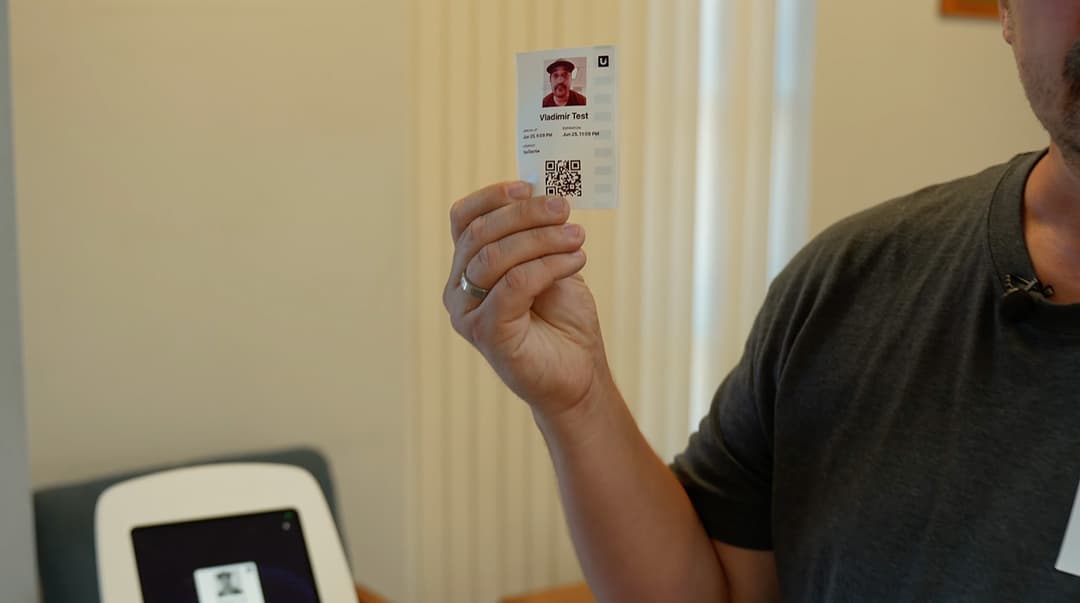
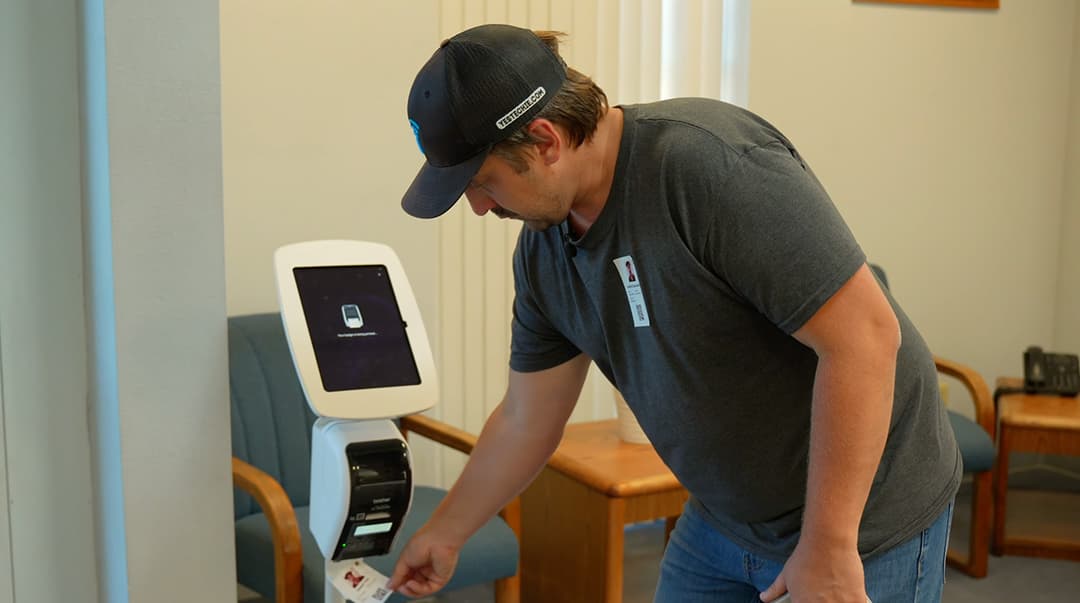
When a guest registers on the tablet, the device communicates directly with the Brother network printer over the local subnet. The printer instantly generates a customized label sticker featuring a unique QR code access pass and the visitor's photograph. Once printed, visitors can use these label stickers to authenticate at the existing door readers and gate intercoms, granting them seamless, automated entry to designated zones throughout the entire facility.
The Pre-Approved Visitor Workflow & Kiosk Interface
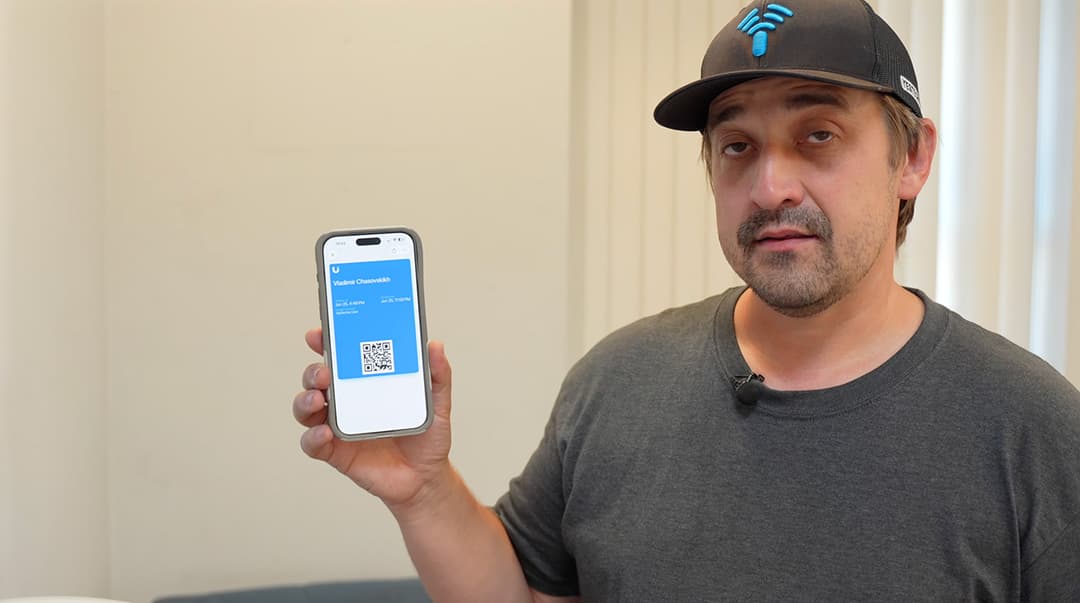
The pre-approved workflow eliminates front-desk administrative friction. Facility employees can generate invitations and send them directly to expected guests via text message or email.
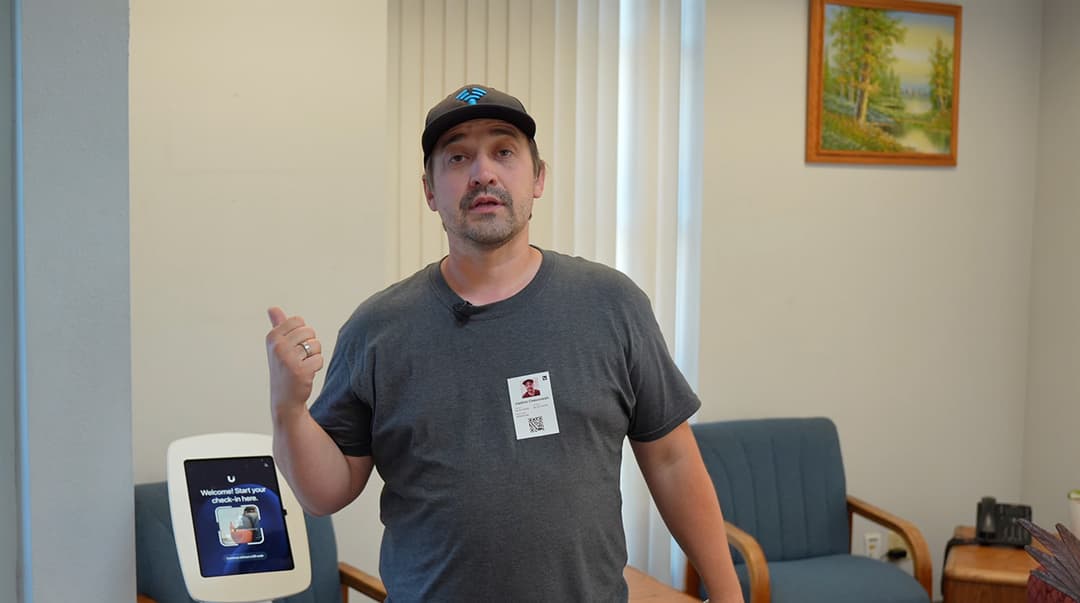
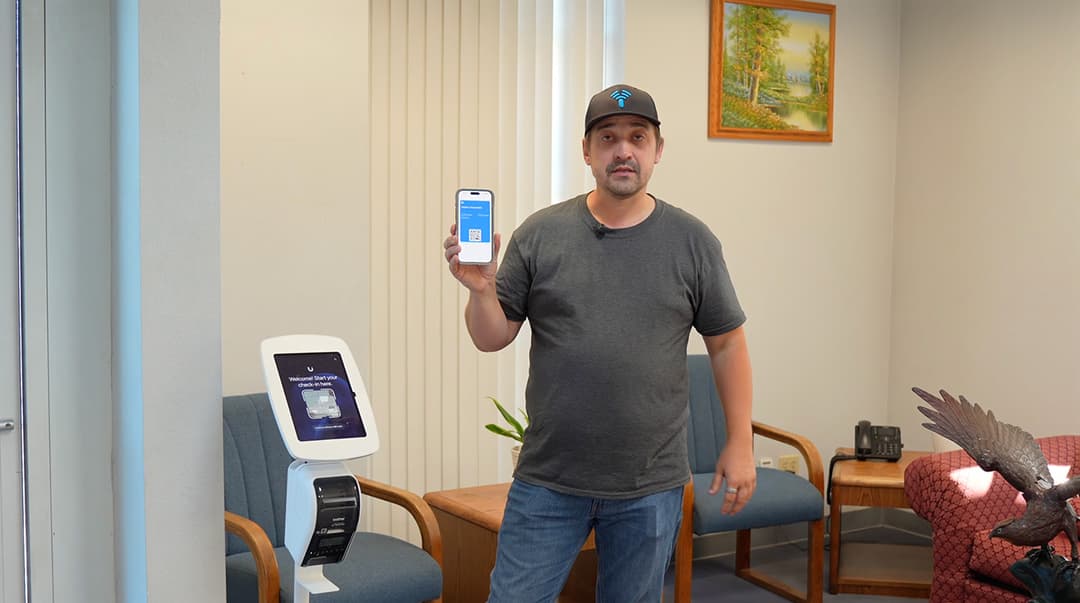
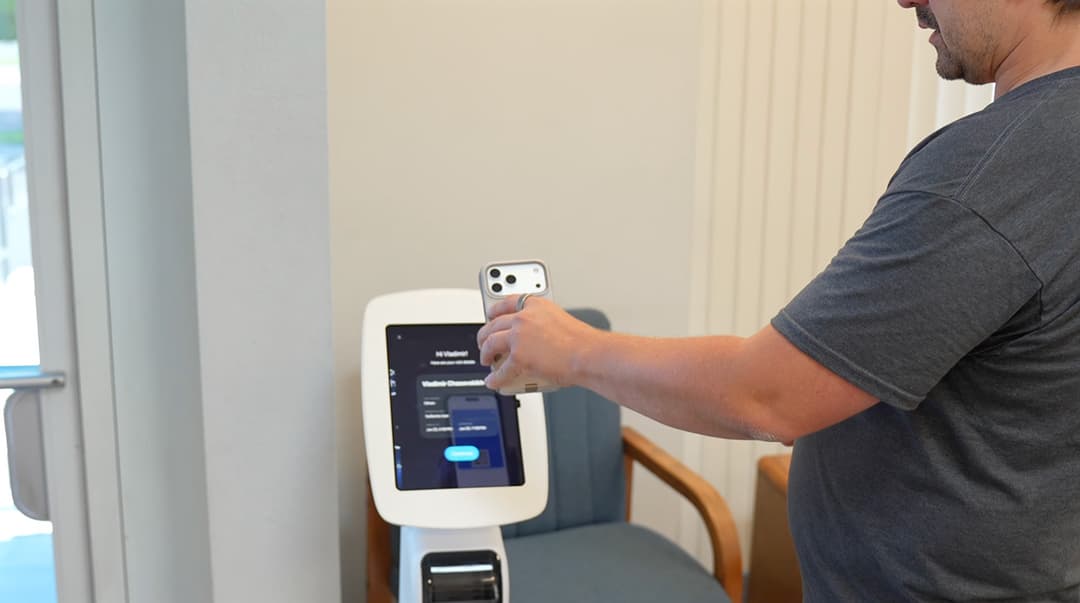
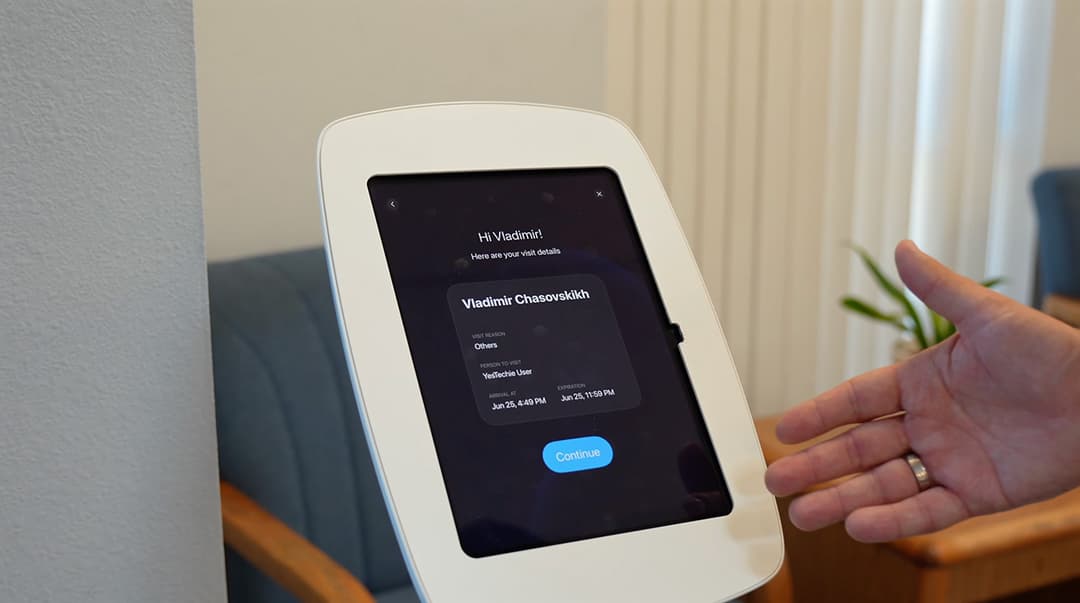
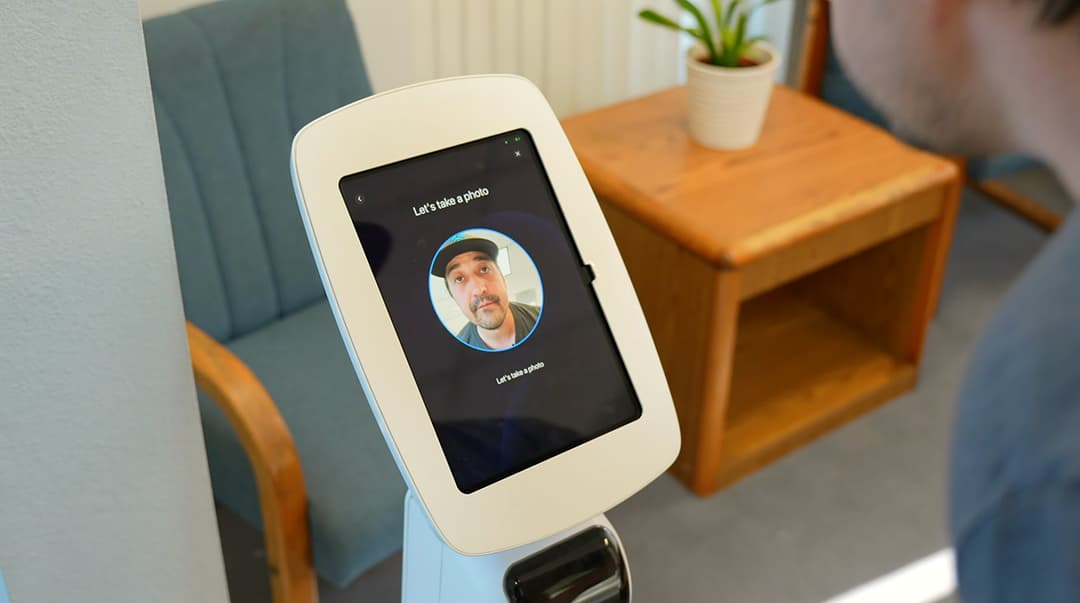
Upon arrival, the visitor approaches the tablet and simply holds their QR code access pass in front of the camera. The UniFi Kiosk local database instantly recognizes the code, pulls up the pre-filled credentials, and prompts the guest to take a photo. Once confirmed, the system triggers the printer to issue the physical badge, completely automating the entry process without requiring staff intervention.
Testing Printed QR Badges at Main Doors & Intercom Gates
To validate the deployment, we tested the printed QR badges across multiple security perimeters. At the main entrance doors, the visitor scans their freshly printed badge against a G3 Reader Pro to authenticate and unlock the door. This QR-based approach is completely self-explanatory for guests and eliminates the need for administration to purchase, assign, and track physical NFC cards or PIN codes.
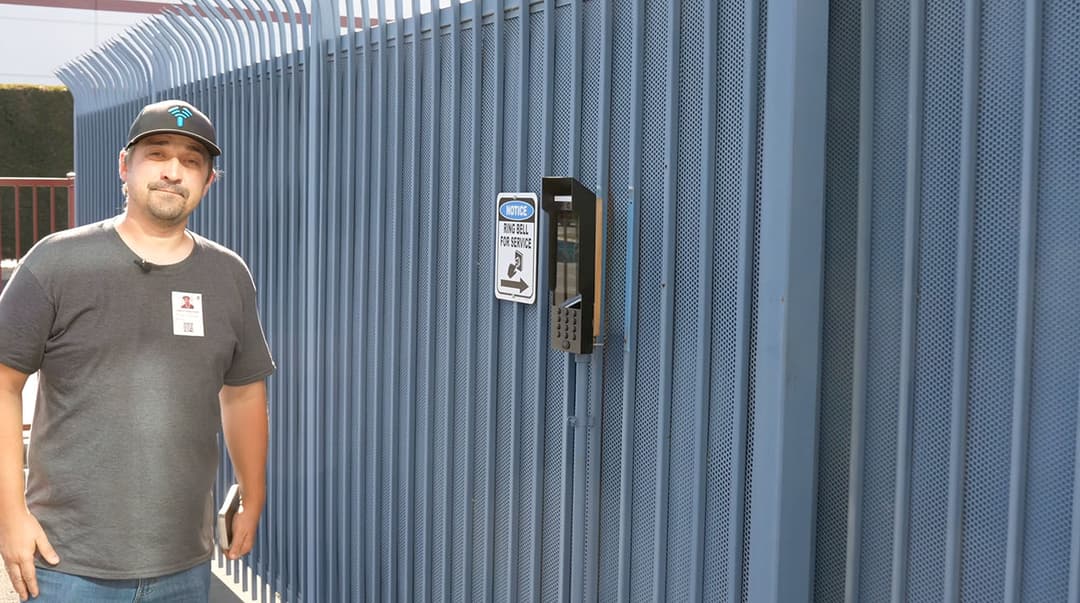
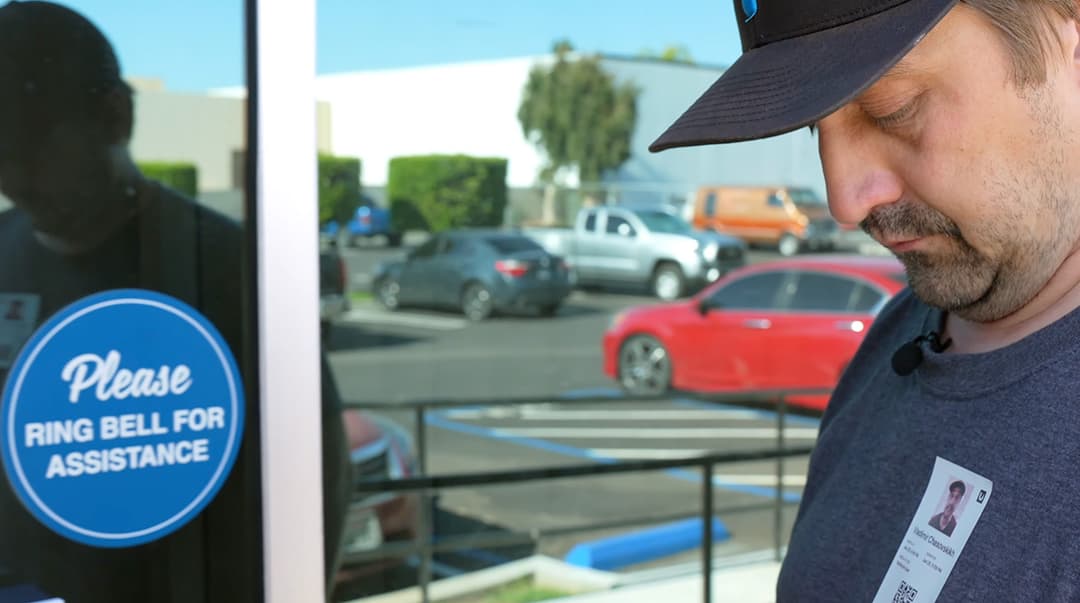
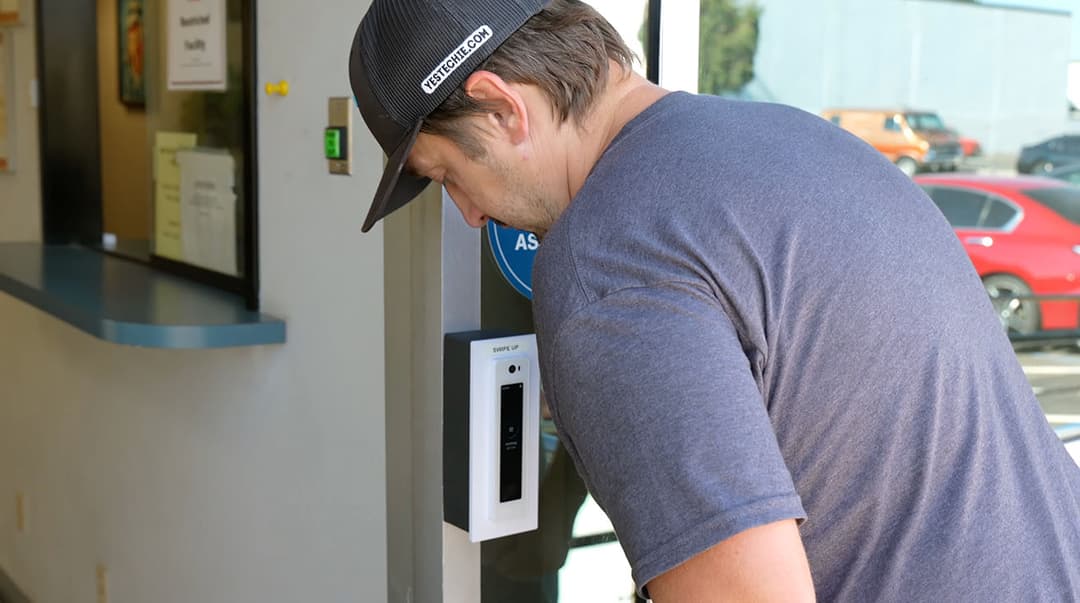
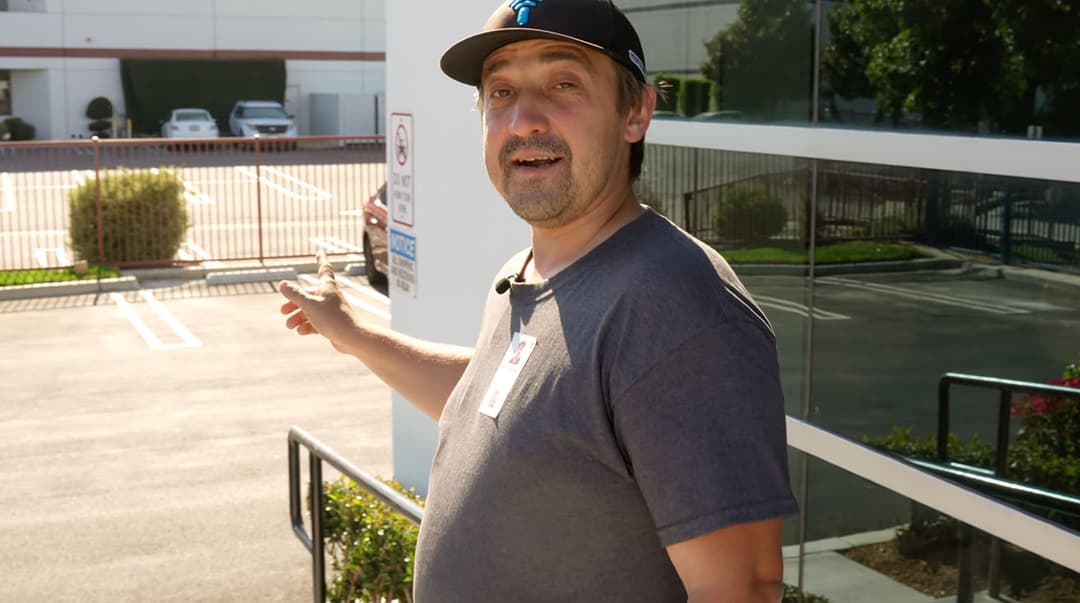
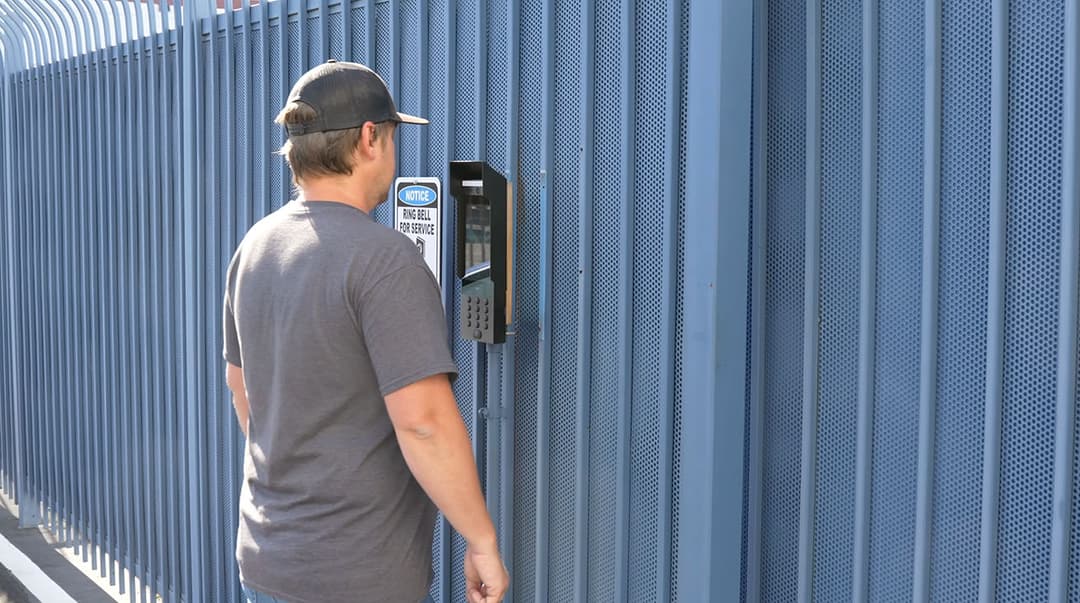
For exterior perimeter control, we verified the identical workflow using a G3 Intercom mounted at the facility gates. Integrating automated scanning hardware for vehicle entry parallels the strict engineering standards we implement in UniFi access control deployments for gated communities, where high-traffic barriers demand instantaneous credential verification.
Walk-In Registration: Manual Entry & Remote Admin Approval
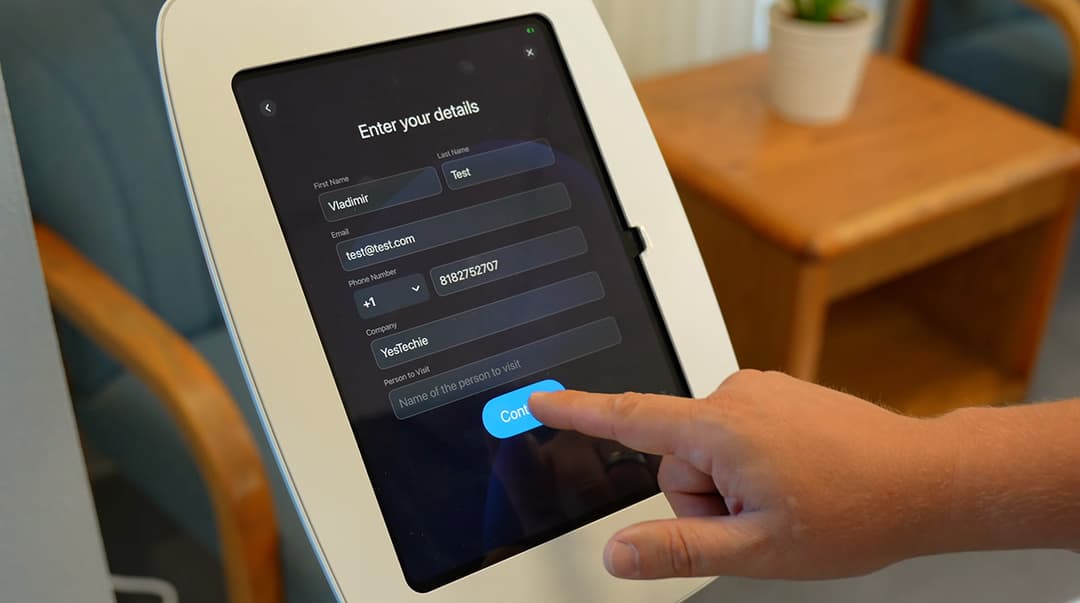
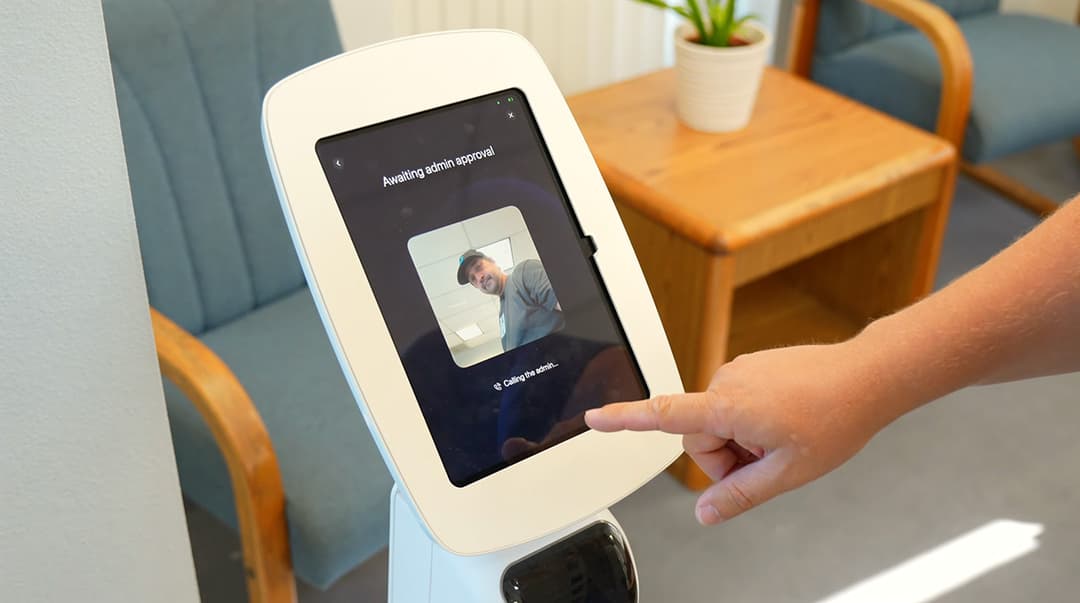
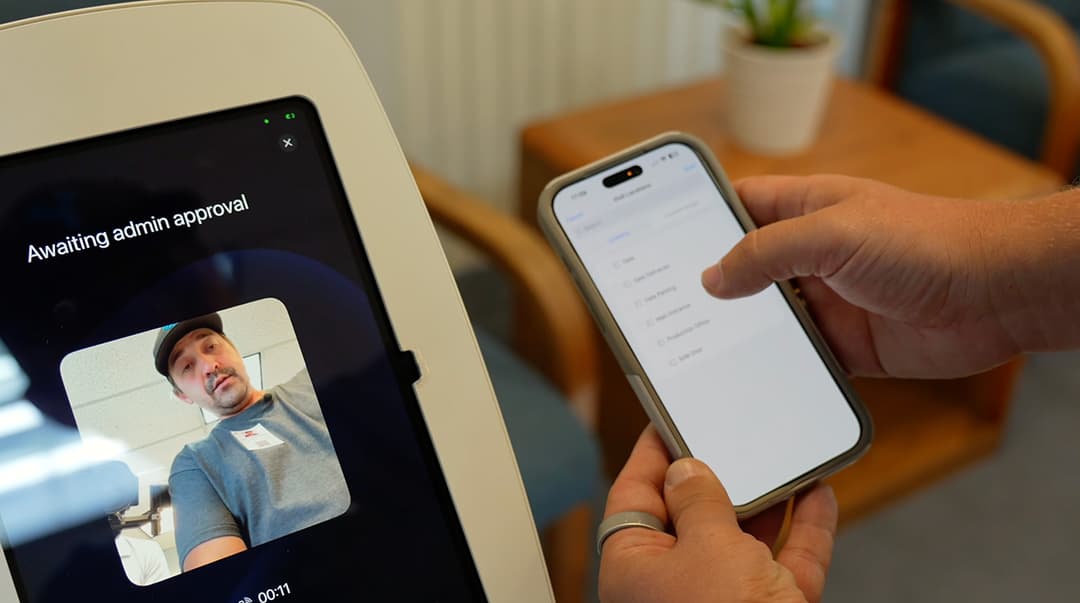
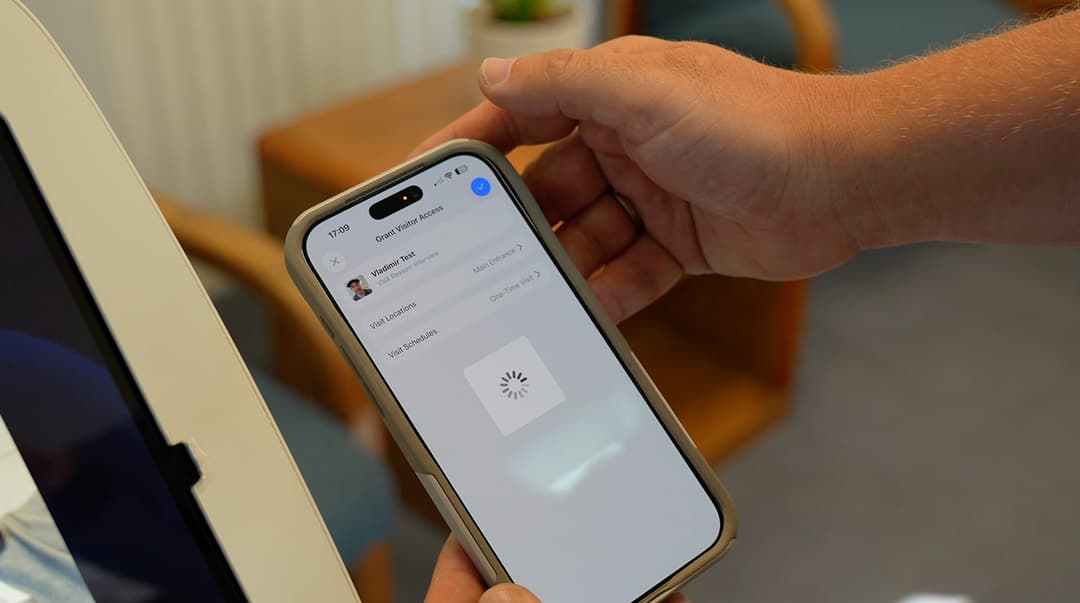
For visitors arriving without a pre-approved invitation, the system handles walk-in registrations autonomously. The guest approaches the iPad and selects the manual check-in option to input their name, email, and phone number directly on the touchscreen. After capturing a security photo, the kiosk automatically initiates a remote access request to the facility administrator. The admin reviews the live data and can approve entry for specific zones, such as the main entrance, straight from their dashboard. Once approved, the Brother QL-820NWB network printer instantly generates the customized visitor badge, completing the cycle without physical staff interaction.
Exploring the Custom Local Database & Management Dashboard
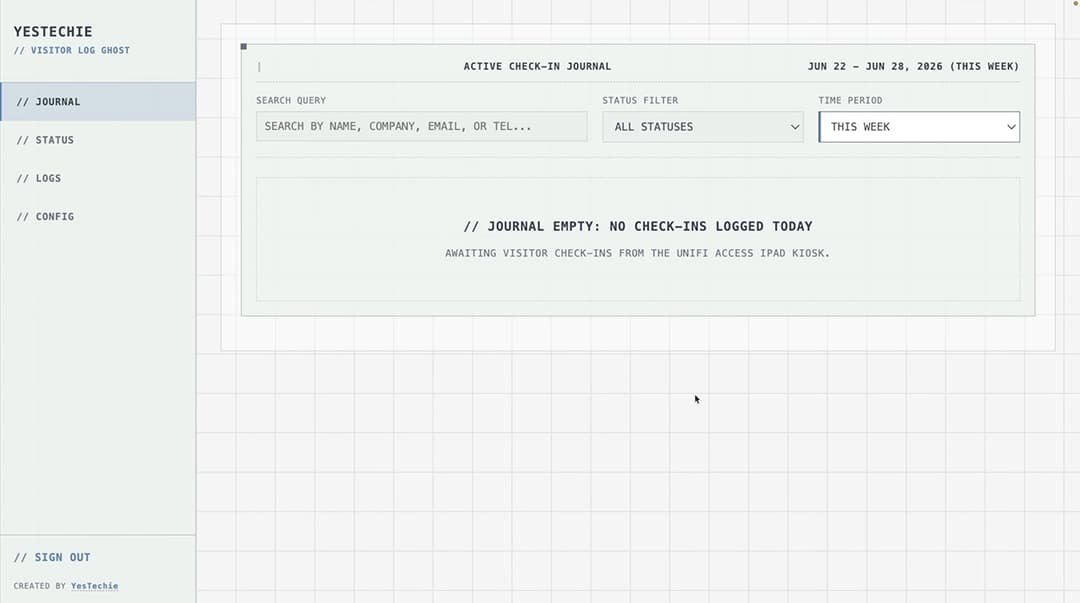
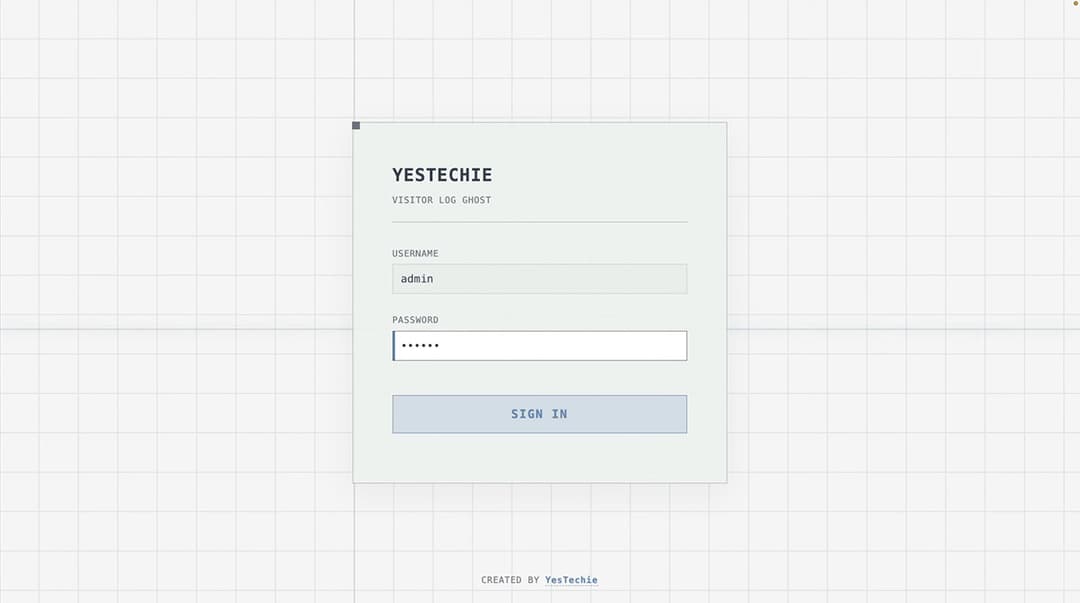
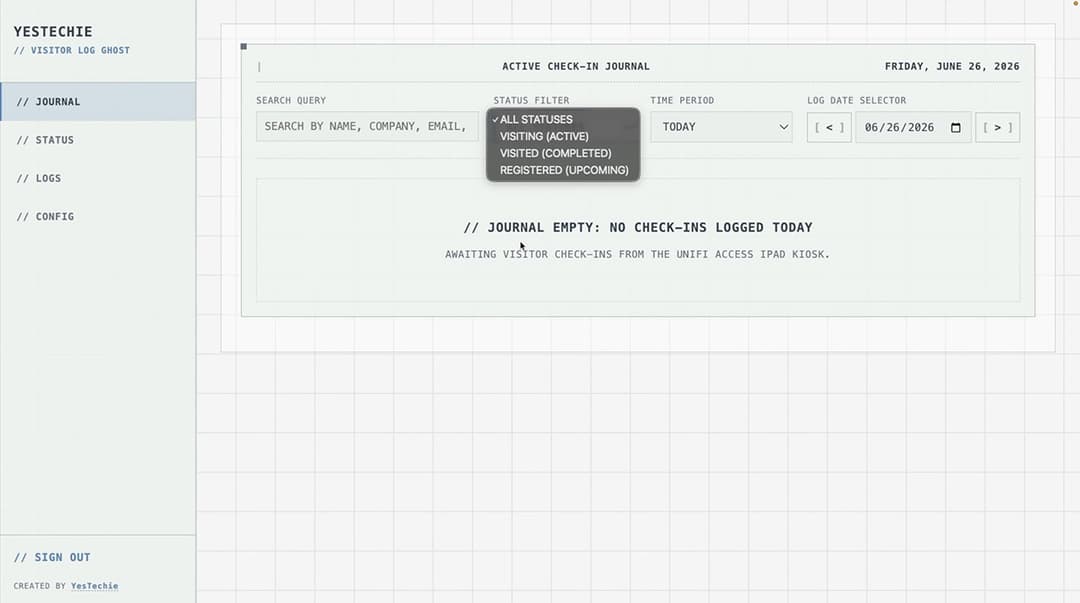
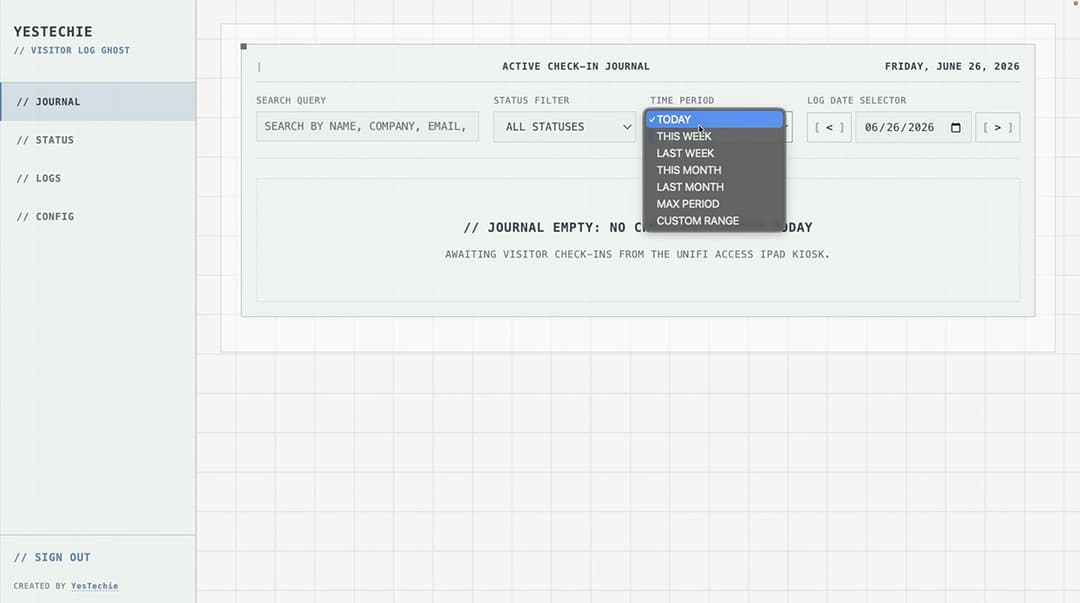
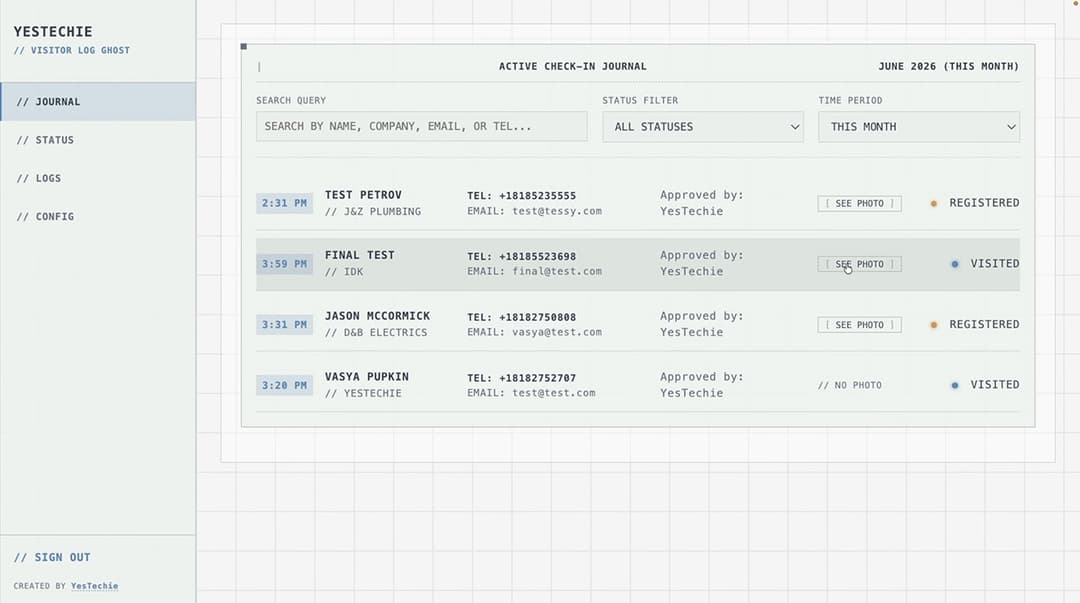
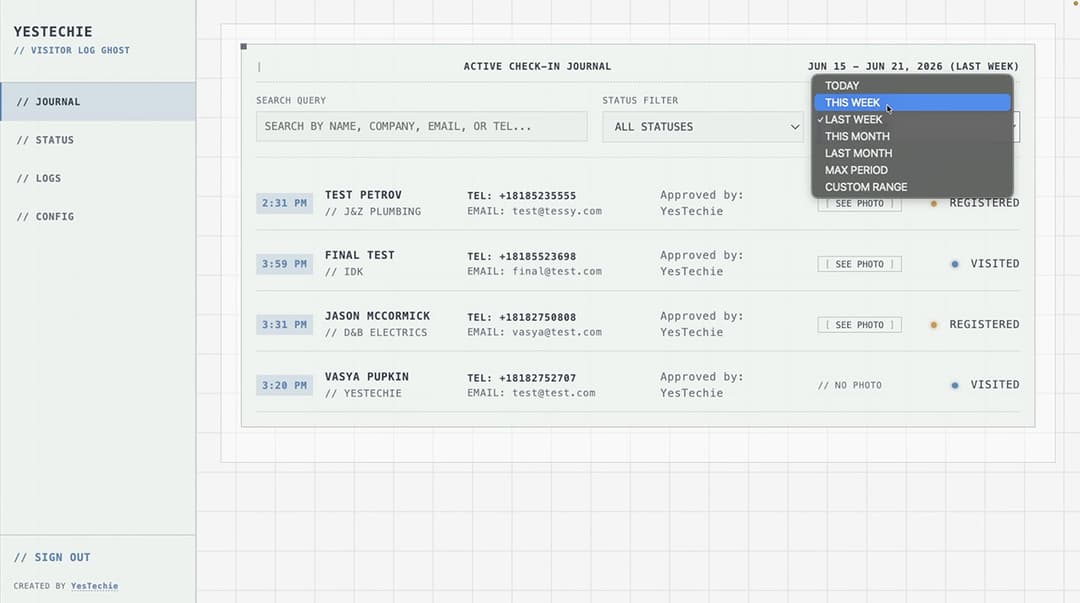
The client's primary requirement was absolute data sovereignty; they needed a convenient dashboard where all visitor records are stored strictly on a local database rather than a third-party cloud. Our engineers configured a centralized lobby registration dashboard protected by standard password authentication. This interface allows managers to filter historical entry logs by specific parameters, including name, company, email, phone number, and visitor status.
Each entry features a precise timestamp and the corresponding security photo captured by the kiosk. Securing sensitive local data is a foundational requirement in our high-tier commercial projects, similar to the offline storage architectures we deploy during Ubiquiti high-security warehouse upgrades, where strict data compliance dictates network design.
Final Summary & Working with YesTechie
Deploying an automated UniFi visitor check-in system transforms a vulnerable, manual lobby into a streamlined security checkpoint. By bridging isolated subnets, integrating third-party printing hardware, and establishing a secure local database, we provided the client with a custom engineering solution that directly improves their daily business operations.
About YesTechie
YesTechie operates as a nationwide Certified Ubiquiti UniFi Professional Integrator headquartered in Los Angeles, California. Founded by Anton Kuznetsov and Vladimir Chasovskikh, our engineering teams build on more than 20 years of hands-on experience in networking, security systems, and complex IT projects. Moving away from static playbooks, we approach physical security and IT infrastructure from first principles. Leveraging this core engineering mindset, we design, deploy, and audit unified network ecosystems that eliminate ongoing software seat fees while ensuring absolute data ownership and predictable, long-term performance under load.

Holding an official C-7 Low Voltage Systems Contractor license (CSLB #1148851), YesTechie provides structured engineering and rapid deployment capabilities on a nationwide scale. While headquartered in California, our mobile field crews deliver turnkey hardware rollouts across multiple states. From complex multi-site business modernizations to high-clearance industrial layouts, we align advanced hardware configurations with strict municipal code compliance. Explore our full integration capabilities by browsing our complete commercial low-voltage services index.
Engineering Consultation: Upgrade Your Network & Security Infrastructure
Handling automated hardware communication across isolated subnets requires robust routing capabilities. Miscalculating VLAN bridges or relying on unstable wireless connections for physical security hardware leads to immediate database lockouts and lobby bottlenecks. We apply the same zero-latency data transfer principles here as we do in our high-density network deployments for video production studios, ensuring maximum uptime.

Our technical group provides complete, end-to-end blueprinting, project procurement, and physical low-voltage integration services tailored to your facility's exact layout constraints. To securely isolate your access control subnets, build custom offline databases, and audit your property's deployment readiness, connect with our layout team today to schedule a comprehensive technical site survey.
- Strategic Intake Portal: Request a Professional On-Site Security & Network Layout Assessment
Field Tour: Watch the Full Automated Kiosk Deployment
To see the automated self-service kiosk in action, watch how we replaced the facility's paper logs with UniFi Access Kiosk Mode, and view the live guest registration workflow and remote admin approval in our full field video here:
FAQ: UniFi Access Kiosk & Visitor Management
What hardware is required to run the UniFi Access Kiosk Mode?
Ubiquiti does not manufacture a standalone physical kiosk terminal. The official self-service Kiosk Mode is designed to run on an Apple iPad operating the UniFi Access mobile application.
Can a visitor check in at the kiosk outside of their scheduled time?
No. If a visitor attempts to use their pre-approved QR code outside of the designated timeframe, the system will reject the entry. Access credentials expire automatically after the scheduled visit time and are no longer valid at the kiosk.
Does Ubiquiti make the printer used for visitor badges?
No, the printer is a third-party device. The UniFi Access ecosystem officially integrates with the Brother QL-820NWB (or QL-820NWBc) network thermal printer to automatically generate visitor QR badges and ID labels.
Why use a PoE to USB-C adapter for the iPad?
Bridging an access control subnet and a standard Wi-Fi network wirelessly can introduce latency or communication drops. Utilizing a PoE to USB-C adapter allows the iPad to receive a stable, hardwired data connection from the local NVR subnet while simultaneously drawing continuous power over a single cable.