Ubiquiti UniFi Identity Endpoint - Google SSO Integration
Originally published March 11, 2025 | Fully Updated & Revised July 31, 2026
EXECUTIVE SUMMARY
A specialized low-voltage and IT identity architecture guide evaluating the integration of Ubiquiti UniFi Identity Endpoint with Google Workspace via Secure LDAP and Delegated Authentication. Authored by Chief Network Architect Anton Kuznetsov, this technical manual analyzes multi-platform user provisioning, Google Workspace directory synchronization, automated Group Mapping, One-Click Wi-Fi/VPN access, and real-time Zero-Trust credential revocation engineered to eliminate IT administrative overhead across 50+ user enterprise environments.
The Paradigm Shift in Enterprise Access and Identity Governance
In commercial spaces, managing user credentials across isolated IT and physical security silos creates severe administrative drag and security risks. When employees join or leave an organization, manually creating accounts across separate door controllers, VPN servers, Wi-Fi routers, and security camera platforms wastes valuable hours and introduces human error.
Note: This guide is based on official Ubiquiti documentation and Google Workspace help articles. For the latest details or firmware-specific updates, check out the official sources from Ubiquiti Help Center and Google Workspace Support.
UniFi Identity Endpoint transforms user provisioning into a streamlined, one-click process. Available natively across macOS, Windows, Linux, iOS, and Android platforms, UniFi Identity delivers a unified access hub for end-users. With a single authentication, users unlock access to door entries, One-Click Wi-Fi, One-Click VPN, security camera sharing, UniFi Talk phones, and EV charging stations.

For organizations with 50+ employees, this setup eliminates repetitive IT onboarding tasks. If your enterprise already relies on established directory solutions like Google Workspace, Microsoft Entra AD (Azure AD), or local Active Directory, you can synchronize your directory directly with your UniFi Dream Machine Pro (UDM-Pro), UDM SE, or UDM Pro Max. This guide details the step-by-step field integration of syncing a Google Workspace Organization Directory with UniFi Access.
Once integrated, users receive automated onboarding emails containing clear instructions to download the UniFi Identity app. Employees log in using their primary Google credentials and instantly unlock authorized physical doors and IT resources with zero manual intervention from system admins.

Step-by-Step Integration Guide: Connecting Google Workspace LDAP
Connecting Google Workspace to UniFi Identity Endpoint relies on Google Secure LDAP services and certificates. Follow these verified field configuration phases to establish the connection.
Phase 1: Activate Identity Endpoint in UniFi Access
- Log into your UniFi Access web interface via local IP address or UniFi Cloud Portal.
- Navigate to Settings (gear icon in the navigation bar).
- Click Admins & Users.
- Select the Identity Endpoint tab and accept the system terms to activate the feature core.

Phase 2: Create the Google LDAP Client
- Log in to your Google Admin console using super-administrator credentials and navigate to the Apps section.
- Select LDAP. If you do not see it, double-check that your Google Workspace plan includes Secure LDAP support (Plans with LDAP enabled).

- Click Add LDAP Client and set the organizational unit scope to match your company domain (for example, pulling all users under yestechie.com).

- Download the generated LDAP Client Certificate (PEM format). Save this cryptographic file safely on your configuration workstation.

- Click to proceed and review the LDAP client settings.
- Generate access credentials within the Google Admin interface. Securely save the generated LDAP Username and Password for the next UniFi configuration phase.

Phase 3: Bind Google LDAP to UniFi Identity Endpoint
- Return to the UniFi web interface under Admins & Users > Identity Endpoint. Select your desired ecosystem services (Door Access, Camera Sharing, One-Click Wi-Fi, One-Click VPN, EV Station), then click Directory Integration.

- Enter your domain Root DN:
dc=yestechie,dc=com(Ensure the Root DN is in correct Distinguished Name format with no spaces).

- Input the LDAP access credentials (username and password generated inside the Google Admin Console) and upload the PEM certificate file downloaded earlier.
- Click ADD to initiate synchronization between Google Workspace and your UDM console.
Automating Permissions with Group Mapping
To simplify daily permission management, link UniFi Access user groups directly to your existing Google Workspace organizational groups. When users are added to or removed from a Google Group, UniFi Access updates their physical door permissions and network access rules automatically.
Before configuring group mapping, establish your base access policies and user groups inside the UniFi Access console.
Step 1: Create Access Policies
- In UniFi Access, navigate to Settings > Policies & Schedules.
- Click Create New to start building a policy framework.

- Under Locations, select Custom and choose the structural doors this policy will control.
- Under Users, select Custom (this will populate automatically once group mapping is active).
- Optional: Set up Schedules to specify precise calendar hours when the access policy is active.
- Click Create to save the policy.

Step 2: Create User Groups
- Navigate back to Admins & Users and select the Users tab.
- Select Manage Groups and click Create New.
- Assign an intuitive group name matching your corporate structure (e.g., "Office Staff" or "Engineering Team").
- Under Assignments, click Add Access Policies and attach the policy created in Step 1.
- Click Create to lock in the configuration.

Step 3: Set Up Group Mapping
- Go to the Identity Endpoint tab.
- Click on your connected Google LDAP directory and open its settings.
- Choose Group Mapping.
- Map your existing Google Workspace groups directly to the UniFi Access groups created in Step 2.

Once mapped, permissions remain perfectly in sync with your Google Workspace directory. Any organizational change in Google automatically reflects across your UniFi physical doors, Wi-Fi networks, and VPN endpoints.
Delegated Authentication & User Management
To allow employees to log in using their primary Google credentials without storing passwords locally on the UniFi gateway, configure Delegated Authentication.
- In the UniFi Identity Endpoint settings, navigate to Advanced Settings.
- Toggle on Delegated Authentication.

Once enabled, the interface displays the total synchronized user count and active LDAP details. The system dispatches automated onboarding emails to employees, guiding them through paired app setup.

Inside the Users tab, IT administrators can review synchronized accounts, adjust specific group assignments, update access policies, or resend onboarding invitation emails whenever needed.

Field Evidence: Real-World YesTechie Infrastructure Deployments
To understand how UniFi Identity and Access architectures handle high-demand daily operations, here are two enterprise field deployments engineered by the YesTechie team:
1. SaaS Corporate Headquarters: BuildOps Office Infrastructure & Scaling
- The Challenge: Modernizing physical access control and high-density network architecture for BuildOps, a fast-scaling enterprise SaaS company in Los Angeles. Over twelve months, their team scaled from 50 to nearly 200 on-site employees across two separate office floors. The client required seamless employee access across 5 secure door paths and high-density Wi-Fi 7 without incurring monthly software license fees.
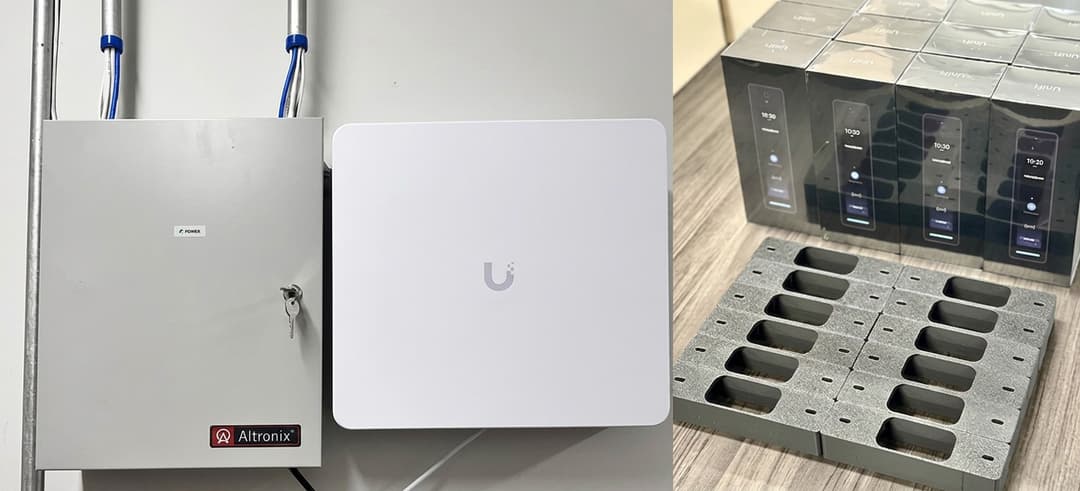
- Architectural Solution: I directed the core infrastructure deployment, anchoring their network on high-capacity UniFi gateways and Layer 3 PoE switches. We deployed UniFi Access G2 Reader Pro units at primary employee access paths. By structuring user access around role-based departmental groups (such as Engineering, Sales, and Operations) rather than individual doors, we laid the exact structural foundation required for Google Workspace LDAP directory binding and automated UniFi Identity onboarding.
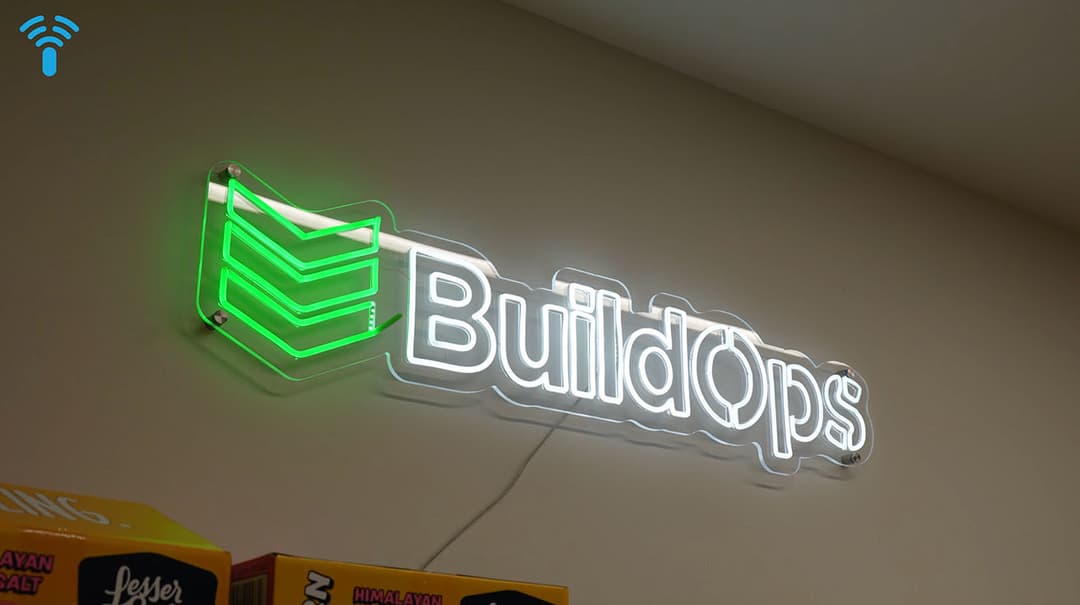
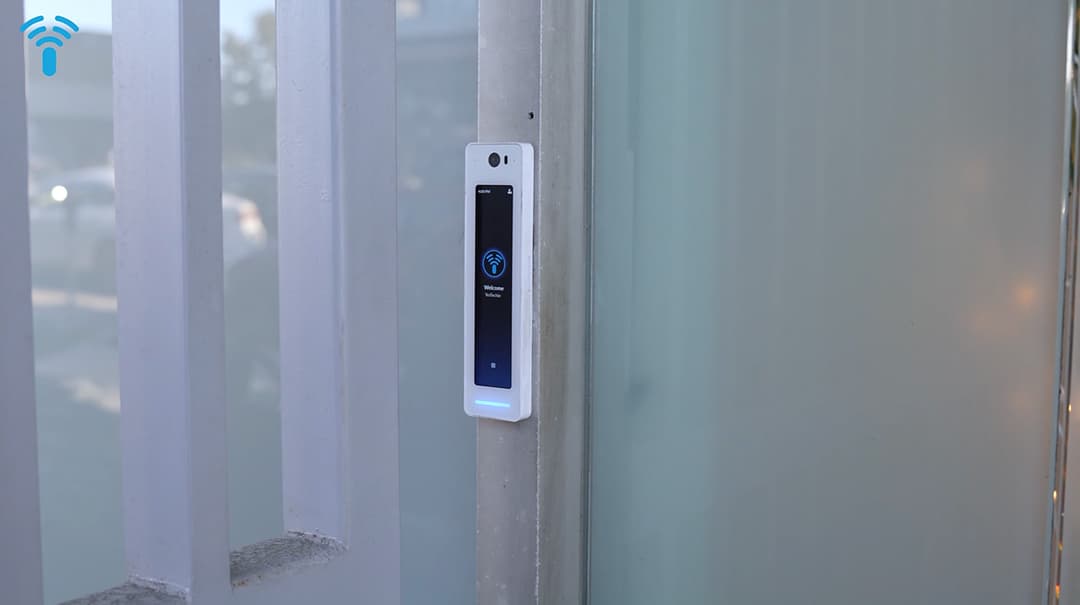
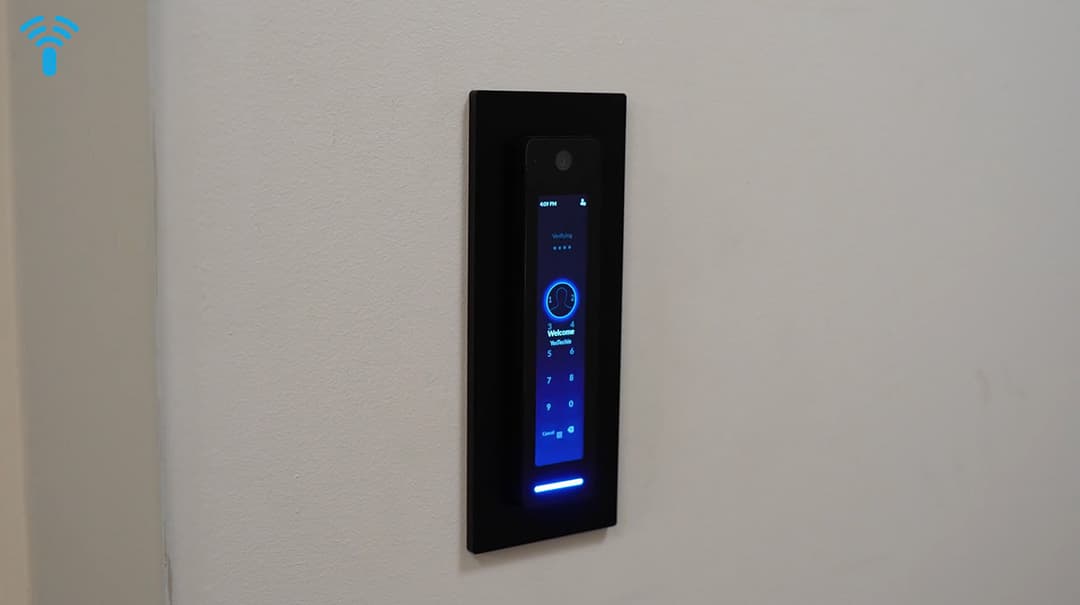
- Measurable Outcome: Enabled seamless scaling for 200 employees across two floors with zero downtime, paid $0 in recurring software licensing fees, and streamlined daily access management through a unified administrative console.
2. Enterprise Manufacturing: Multi-State Food Production Facilities
- The Challenge: Upgrading physical access control, high-capacity switching, and 4K surveillance for California Custom Fruits & Flavors across production facilities in Irwindale, CA, and Greenwood, IN. The company required centralized access management to govern access across corporate offices, production bays, and cold storage zones.
- Architectural Solution: Our engineering crew installed UniFi Access G3 Reader Pro and G3 Intercom units connected to centralized Access Hubs across both facilities. Centralizing user identity into a unified directory allows property managers to provision or revoke access rights instantly across state lines, pairing video-verified door logs with custom VLAN network segmentation.
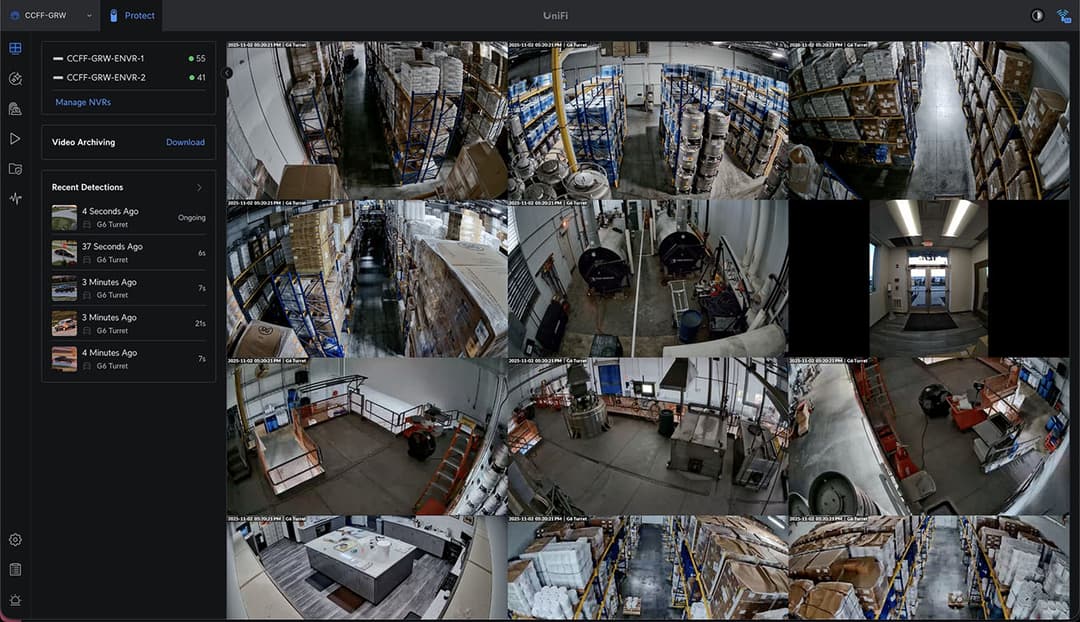

- Measurable Outcome: Replaced fragmented legacy doors with centralized, real-time access management, eliminated subscription-based licensing, and streamlined auditing compliance across multi-state facilities.
Manual User Provisioning vs Google Workspace + UniFi Identity

UniFi Identity Endpoint with Google LDAP Integration vs. Manual Legacy User Provisioning: Feature Matrix
For quick reference and mobile accessibility, here is the text-based breakdown of Manual User Provisioning vs. Google Workspace + UniFi Identity integration:
UniFi Identity + Google LDAP Integration
- Onboarding Speed: Instant (Automated directory sync & single-click email onboarding).
- Credential Lifecycle: Centralized Single Source of Truth via Google Workspace directory.
- Security Governance: Immediate global revocation upon Google account suspension (Zero-Trust enforcement).
- Provisioning Scope: Automated binding across Doors, One-Click Wi-Fi, One-Click VPN, Cameras, and EV Chargers.
- Human Overhead: Zero manual data entry for IT system administrators.
Manual Legacy User Provisioning
- Onboarding Speed: Slow (15–30 minutes spent manually entering data across multiple software panels).
- Credential Lifecycle: Fragmented across isolated door controllers, Wi-Fi routers, and standalone VPN appliances.
- Security Governance: High vulnerability to orphaned keys and missed offboarding revocation steps.
- Provisioning Scope: Manual configuration required per individual reader, SSID, and VPN user profile.
- Human Overhead: Continuous operational drag for property managers and internal IT staff.
Conclusion: Zero-Trust Governance Without Subscription Fees
Integrating Ubiquiti UniFi Identity Endpoint with Google Workspace transforms physical security and IT access into a unified utility. Consolidating door access, VPN credentials, and Wi-Fi tokens into a single Google-authenticated directory eliminates administrative overhead while enforcing strict Zero-Trust governance.
Whether managing a fast-growing corporate SaaS headquarters, a multi-suite facility, or a multi-state manufacturing enterprise, achieving seamless identity synchronization requires precise network configuration and policy structuring.
Partner With YesTechie Engineering
We have seen firsthand how UniFi Identity Endpoint transforms onboarding, physical access control, and user governance for our clients, and we are confident it will do the same for your organization.
Our certified Ubiquiti deployment team manages every phase of enterprise integration: from UDM Pro Max routing cores and Enterprise Access Hub wiring to Google Secure LDAP binding and automated Group Mapping.
Need help integrating Ubiquiti UniFi solutions into your enterprise or upgrading your existing physical security infrastructure? Contact the YesTechie engineering team today to schedule an on-site technical consultation and make your transition smooth and painless.
Frequently Asked Questions (FAQ)
1. Does UniFi Identity Endpoint require a monthly subscription fee?
No. UniFi Identity Endpoint operating on local UniFi OS consoles is completely license-free. Directory synchronization, mobile credentials, One-Click Wi-Fi, and One-Click VPN execute locally on your hardware with zero recurring monthly seat fees.
2. Which Google Workspace plans support Secure LDAP integration with UniFi?
Google Secure LDAP is supported natively on Google Workspace Business Plus, Enterprise Standard, Enterprise Plus, Education Standard, and Education Plus plans.
3. What happens to physical door credentials if an employee's Google Workspace account is suspended?
Because UniFi Identity syncs continuously with Google Secure LDAP, suspending or deleting an employee account in Google Workspace revokes their physical door access, VPN keys, and Wi-Fi access automatically in real time.
4. Can employees unlock physical doors using smartphones without keycards?
Yes. Using the UniFi Identity app on iOS or Android, users unlock authorized doors using Mobile Tap (NFC/Bluetooth), remote app buttons, or PIN codes, removing the need for physical plastic keycards.
5. Can we map multiple Google Workspace groups to a single UniFi Access policy?
Yes. UniFi Identity supports flexible group mapping rules. You can map multiple Google Workspace groups to a single UniFi User Group or assign multiple Access Policies to a unified group, accommodating complex corporate hierarchies.